
For server owners
How to get into the catalog, claim your server into the dashboard and what you get. Adding a server is free.
How to add a server
- Sign in with Telegram. There is no separate registration or password.
- Press “Add server”. Name, website, chronicle, rates, opening date and time.
- A moderator checks the data against the server's website. Usually within a day; the answer comes in Telegram.
- The server appears in the lists. Its place in the daily blocks depends only on the opening date.
Without an opening date the server is published but stays out of the lists — it is only in search and the rating. 30 days after opening a free card goes to the archive; a new start means a new date, and the server is back in the lists.
The server is already in the catalog
We add some servers ourselves from public announcements. If yours is already here, claim it into your dashboard — it takes a couple of minutes.
- Sign in with Telegram and open “This is my server”.
- Pick the server from the list. The site shows a snippet with your personal code.
- Put on the home page of your website our 88×31 button, a text link or a meta tag.
- Press “Check”. We open the site and find the code — the server is in your dashboard right away.
The button also gives a −20% discount on statuses and banners, a text link — −8%. No access to the site's code? Write to us and we will transfer the server manually.
What the dashboard gives you
- Your own card. Description, rates, opening and OBT dates, Discord and Telegram links — you edit them yourself; edits to a published server are reviewed.
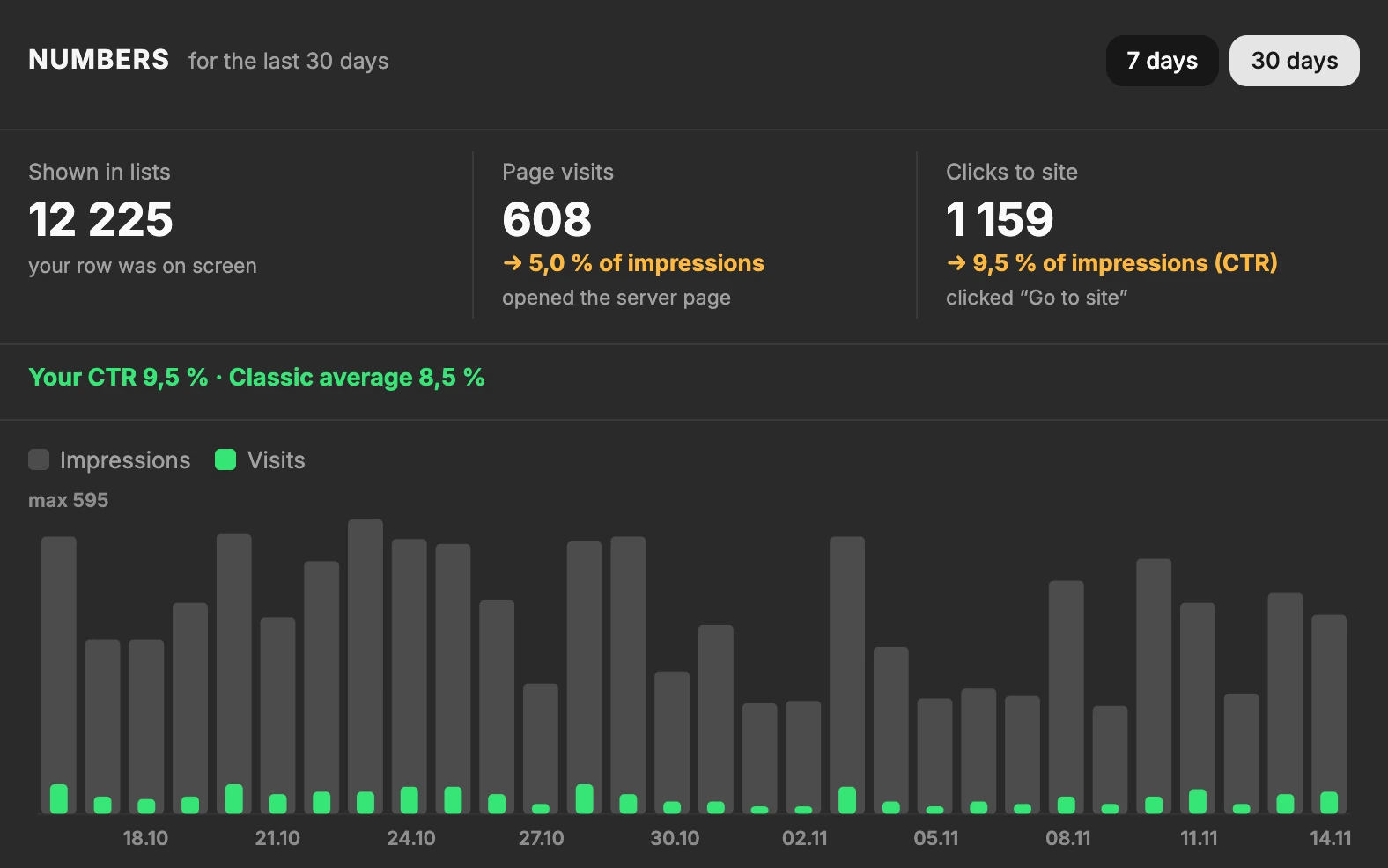
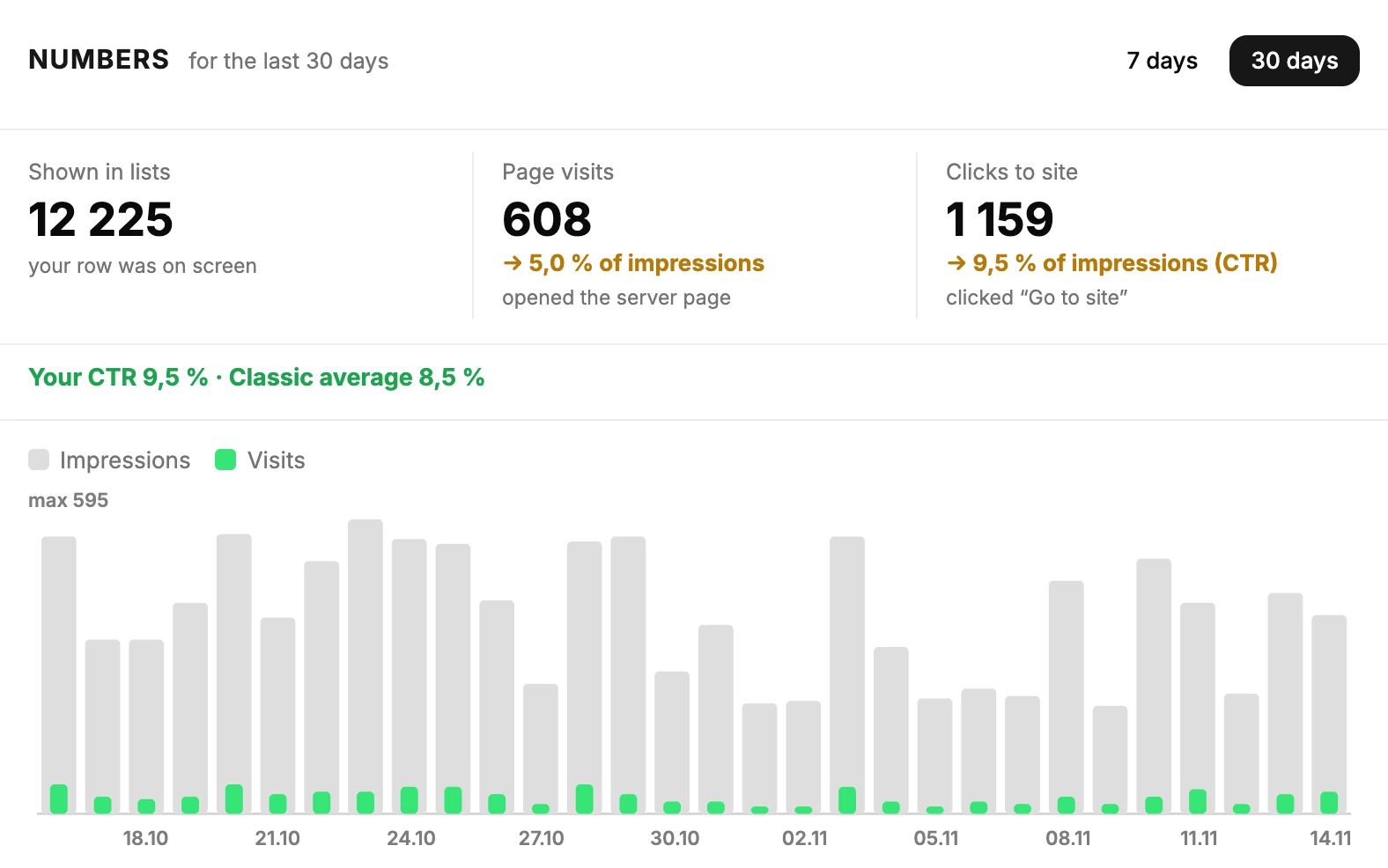
- Statistics. Impressions, clicks to your site and where visitors come from.
- Your own banner in the rating card.
- Promotion. Elite, VIP and banners — bought and paid for in the dashboard.
Where the card data comes from
If we added the server, not its owner:
- Announcements are collected twice a day, at 09:00 and 21:00 Moscow time, from public announcement lists.
- The opening date is checked against the server's website. If it is not there, the card waits without a date.
- The description is written by hand from the server's website, not copied from other catalogs.
Found a mistake in the card? Confirm the server and fix it yourself, or write to us with a link to the server.
How the order works
- Daily blocks — strictly by opening date; money does not change the place in them.
- Elite and VIP are higher only in the “Opening soon” and “Opened earlier” showcases and in collections.
- The rating — only players' votes for 30 days. A paid status does not lift a server in it.
- No text reviews. There is a star rating, without text.